
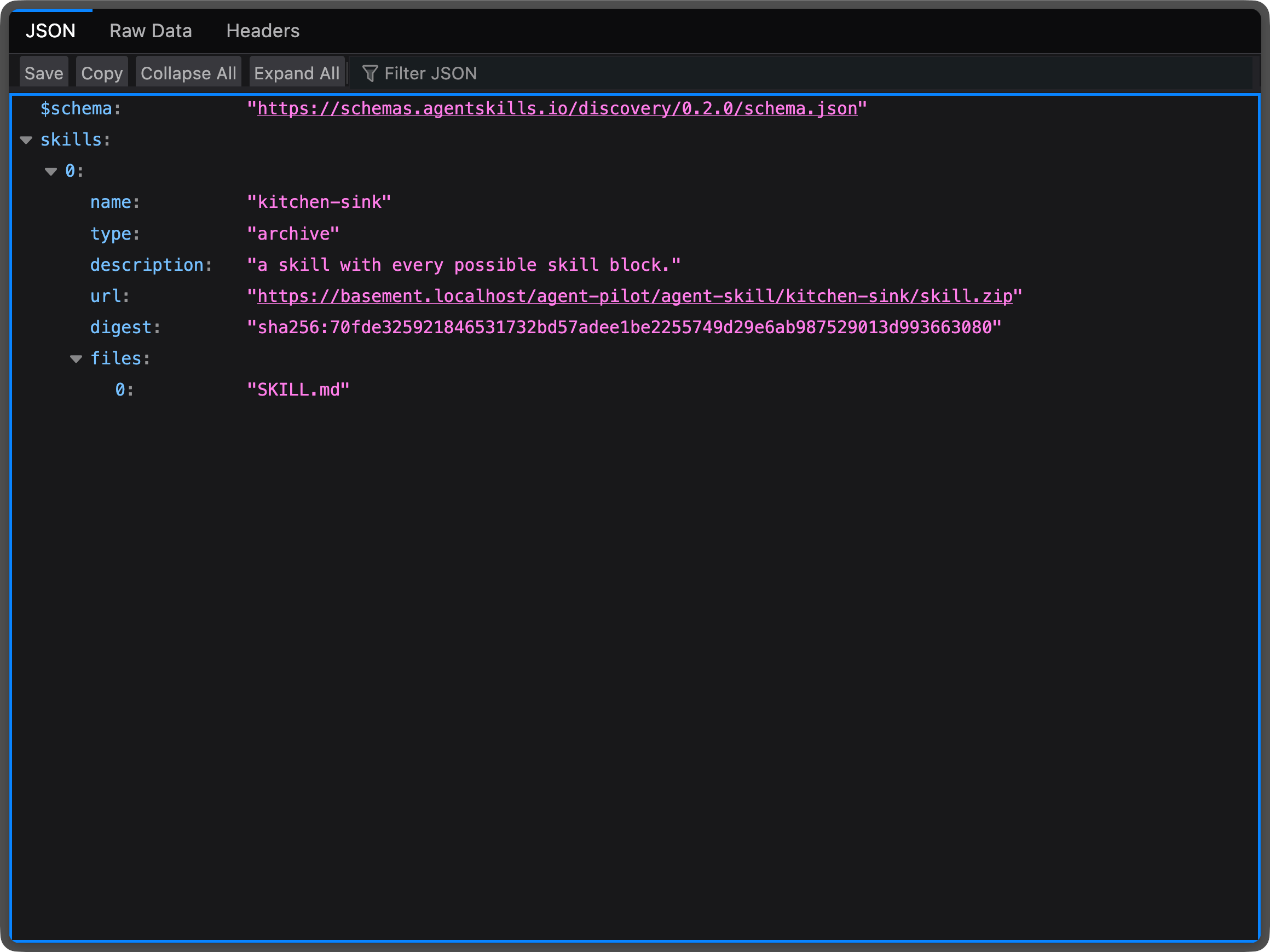
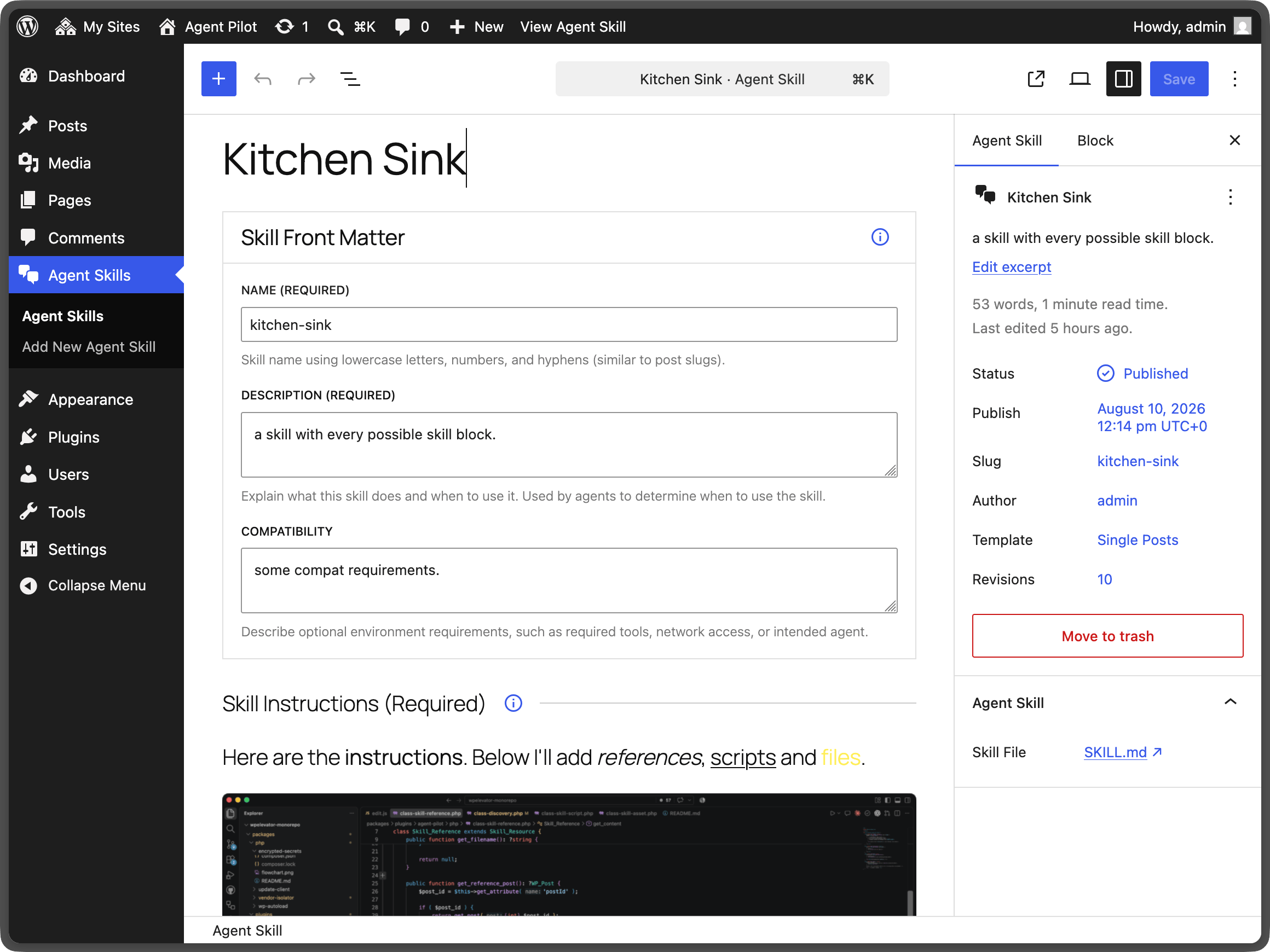
Manage and publish AI agent skills using the Agent Skills Discovery via Well-Known URIs RFC version v0.2.0 draft and Agent Plugin standard packaging.
Provides an MCP server (Model Context Protocol) from registered WordPress Abilities and integrates with OAuth Pilot for seamless user authentication and usage with the majority of AI clients.
Screenshots
Setup
Use an Agent Skill
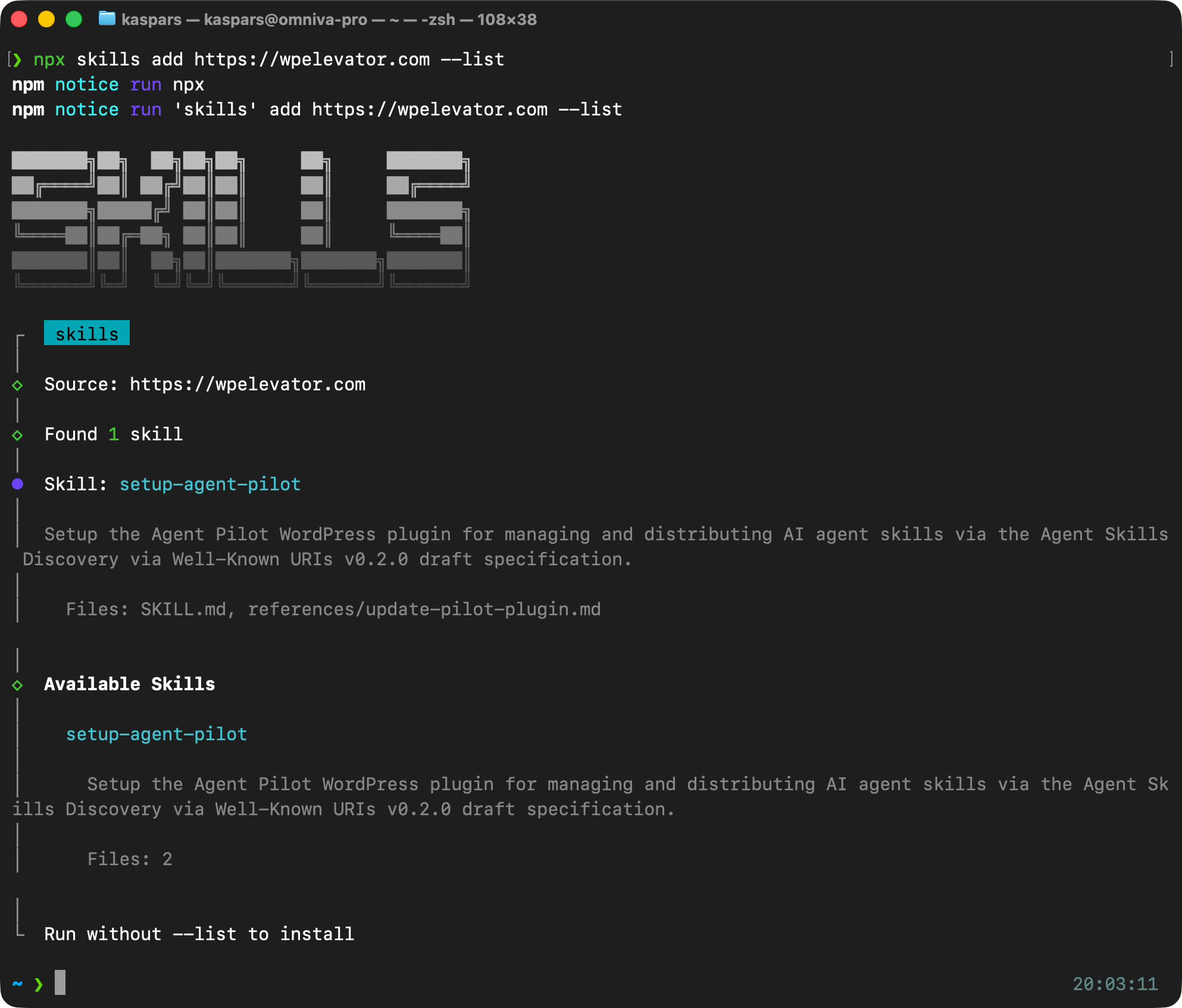
Install an agent skill (delivered by Agent Pilot of course) using the skills CLI package that will guide you through the setup:
npx skills add https://wpelevator.comor download the skill and extract it to the skills directory of your preferred AI harness. Alternatively, you can download and install the plugin as usual:
Download Plugin
Use the link below to download the latest version of the plugin and install it manually under “Plugins” → “Add New” using the “Upload Plugin” button:
After activation, the plugin will prompt you to install and activate the Update Pilot plugin to enable automatic updates. This ensures that the Agent Pilot plugin is kept up-to-date even when it is disabled or used on a WordPress multisite.
Updates
The plugin supports automatic updates through a bundled “sub-plugin” Agent Pilot Automatic Updates which is enabled automatically when the main plugin is active. To receive updates while the main plugin is disabled or when using WordPress multisite, please manually enable the Agent Pilot Automatic Updates plugin.
Changelog
0.10.0 (2026-09-10)
- Moved admin settings, skill and agent plugin management under one top-level menu. Previously it was one top-level menu for each post type and the plugin settings menu under the default Settings.
- MCP tool names now use dashes instead of dots so that they are accepted by all clients.
0.9.0 (2026-09-07)
- Added read-only abilities for listing and fetching agent skills and agent plugins which are automatically exposed by the MCP integration as tools and resources (for skill and agent files).
0.8.0 (2026-09-05)
- Added
agent-pilot/rest-callability (which maps to an MCP tool) for dispatching any REST endpoint as the authenticated user with_fieldsfiltering on REST responses to save on token use. - Introduced MCP Tools setting for disabling specific abilities being exposed as MCP tools.
- Agent plugin packages are now valid even if they include skill blocks without a selected agent skill reference.
0.7.0 (2026-09-05)
- Fix: browser based MCP clients received a plain 403 instead of the OAuth challenge, leaving them no way to discover where to sign in.
- Fix: the initial MCP connection asked for read-only access, which made the first tool that writes anything fail. Clients now get a single consent screen covering both the read and write tools.
0.6.0 (2026-09-04)
- Fix: authenticate every MCP request before it is dispatched, and tell the client when a tool requires broader access than it was granted.
0.5.0 (2026-09-04)
- Feature: added an MCP server which publishes the site’s WordPress Abilities as MCP tools. Enable it from the plugin settings screen.
- Feature: MCP clients are authenticated with OAuth Pilot when it is active, so that a client can connect knowing only the site URL. Signed-in users and Application Passwords are used otherwise.
- Feature: read-only abilities are told apart from the ones that make changes, so that a client can be connected with read access only.
- Feature: the current and the older MCP protocol revisions are all answered from the same endpoint.
- Abilities marked as public are exposed automatically, the same way the official WordPress MCP Adapter resolves them.
0.4.0 (2026-08-21)
- Add support for Agent Plugins standard for bundling the skills and MCP configs.
0.3.0 (2026-08-11)
- Fix: ensure the skill blocks work well with block themes with dark background.
- Feature: added CORS and other headers for improved skill discovery.
- Feature: introduce a YAML builder for consistent output.
0.2.0 (2026-08-10)
- Fix: move the skill files to the .zip archive root (instead of a sub-directory).
0.1.1 (2026-08-10)
- Fix: make the
skill.mdandskill.zipURLs of published skills reachable without signing in.
0.1.0 (2026-08-10)
- Initial prototype.